Last updated: February 2026
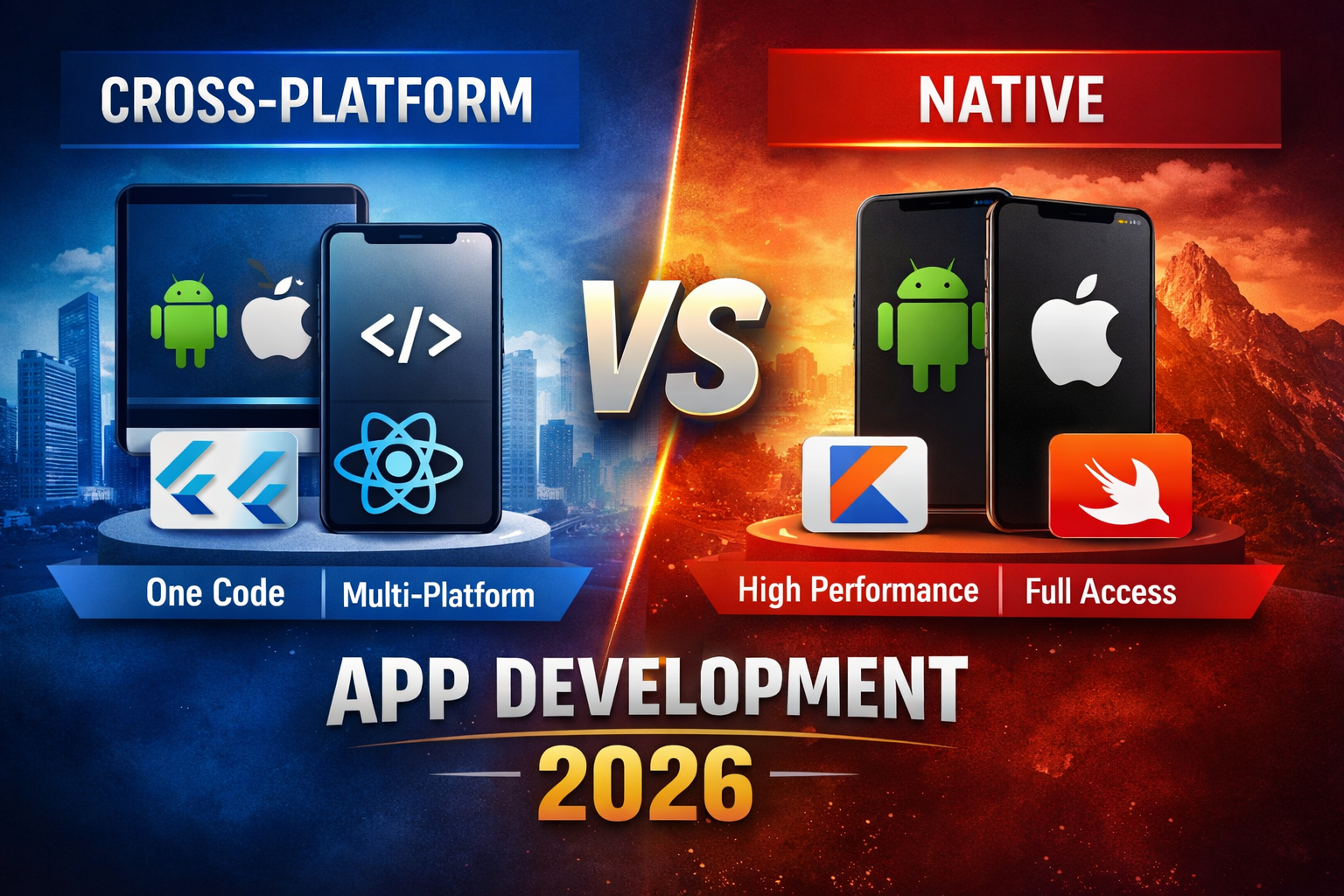
Building separate apps for iOS and Android once meant double the work, double the maintenance, and double the cost. In 2026, cross-platform frameworks allow developers to write most of their code once and deploy it across multiple platforms.
This guide explores the best and most popular cross-platform frameworks, focusing on Flutter, React Native, and .NET MAUI, with brief mentions of Unity and Qt for specialized scenarios.
- 1 Quick Answer: What Is a Cross-Platform Framework?
- 2 What Are Cross-Platform Frameworks and Why Do Developers Use Them?
- 3 Simple Explanation with Real-World Examples
- 4 Key Benefits and Tradeoffs
- 5 Most Popular Cross-Platform Frameworks in 2026
- 6 Other Frameworks for Specialized Use Cases
- 7 Flutter vs React Native vs .NET MAUI
- 8 Which Framework Should You Choose?
- 9 How to Choose the Right Cross-Platform Framework
- 10 Frequently Asked Questions (FAQs)
- 11 Conclusion
Quick Answer: What Is a Cross-Platform Framework?
A cross-platform framework is a development tool that enables developers to build applications for multiple platforms — such as Android, iOS, web, and desktop — using a single shared codebase.
What is cross-platform app development?
What Are Cross-Platform Frameworks and Why Do Developers Use Them?
A cross-platform framework acts as a toolkit that helps developers create apps for multiple operating systems without maintaining separate native codebases.
Instead of building an Android app in Kotlin and an iOS app in Swift, developers can write most of their logic once and reuse it.
Why developers choose cross-platform development
- Faster development cycles
- Lower engineering costs
- Easier maintenance
- Consistent user experience
- Faster time-to-market
For startups and product teams, this efficiency is often game-changing.
Simple Explanation with Real-World Examples
Think of it like a shared engine powering multiple vehicles. A cross-platform framework runs the same core logic across different devices.
Examples:
- A startup launching Android + iOS simultaneously
- A SaaS company building a desktop + mobile dashboard
- An educator releasing a learning app for phones + tablets
Small adjustments are needed, but most of the app remains shared.
Key Benefits and Tradeoffs
Major Benefits
Faster Development
One codebase instead of separate native apps.
Lower Costs
Smaller teams can support multiple platforms.
Easier Updates
Bug fixes apply everywhere.
Code Reusability
Shared logic and UI components.
Common Tradeoffs
Slight Performance Gaps
Native apps may outperform in extreme cases.
Native Feature Access
Some device APIs need native bridges.
Dependency on Framework Ecosystem
Community and vendor support matter.
For most business apps, benefits far outweigh limitations.
Most Popular Cross-Platform Frameworks in 2026
While many tools exist, three frameworks dominate:
- Flutter
- React Native
- .NET MAUI
Flutter official documentation
Flutter: Best for Rich UI & Smooth Performance
Flutter, developed by Google, uses Dart and a custom rendering engine to deliver visually consistent interfaces.
Unlike other frameworks, Flutter draws UI components itself rather than relying on native widgets.
Strengths
- Excellent performance
- Beautiful animations
- Consistent UI across platforms
- Large ecosystem
- Strong Google backing
Limitations
- Requires Dart knowledge
- Larger app sizes
- Plugin delays for newest features
Flutter excels when UI/UX and design flexibility are top priorities.
React Native: Ideal for JavaScript & React Teams
React Native, backed by Meta, allows developers to build mobile apps using JavaScript and React.
It renders native UI components while enabling shared business logic.
Strengths
- Familiar for web developers
- Fast MVP development
- Massive ecosystem
- Strong industry adoption
Limitations
- Performance limitations for graphics-heavy apps
- Version upgrades may require effort
- Third-party package quality varies
React Native is perfect for web-first teams entering mobile.
.NET MAUI: Best for C# & Enterprise Development
.NET MAUI (Multi-platform App UI) is Microsoft’s modern framework for building Android, iOS, Windows, and macOS apps using C#. .NET MAUI official documentation
Strengths
- Excellent Visual Studio tooling
- Natural for .NET developers
- Strong enterprise capabilities
- Azure integration
Limitations
- Smaller community
- Heavy Microsoft ecosystem alignment
- Fewer modern UI kits
MAUI fits business, enterprise, and internal apps.
Other Frameworks for Specialized Use Cases
Unity → Games, AR/VR, 3D apps, Unity game engine
Qt → Desktop & embedded software, Qt cross-platform framework
Strong in niches rather than general mobile apps.
Flutter vs React Native vs .NET MAUI
| Feature | Flutter | React Native | .NET MAUI |
| Language | Dart | JavaScript | C# |
| Performance | Excellent | Very Good | Good |
| UI Rendering | Custom engine | Native components | Native controls |
| Learning Curve | Medium | Easy (JS devs) | Easy (.NET devs) |
| Best For | UI-heavy apps | Fast MVPs | Enterprise apps |
| Community | Very large | Very large | Growing |
Which Framework Should You Choose?
Choose Flutter if:
- UI/animations matter most
- Performance is critical
- Cross-platform consistency is key
Choose React Native if:
- You know JavaScript/React
- Speed of development matters
- You build MVPs/content apps
Choose .NET MAUI if:
- You work with C#/.NET
- Enterprise/business apps
- Microsoft stack alignment
.NET MAUI official documentation
How to Choose the Right Cross-Platform Framework
There is no universal winner.
Evaluate:
- Team expertise
- Performance needs
- UI complexity
- Long-term maintenance
- Ecosystem stability
Always prototype before full commitment.
Frequently Asked Questions (FAQs)
Which is better: Flutter or React Native?
Flutter provides better UI consistency and animation performance, while React Native is easier for JavaScript developers
Do cross-platform apps perform like native apps?
For most apps, yes. High-performance graphics or device-intensive apps may still benefit from native development.
Is .NET MAUI suitable for startups?
Yes, particularly for teams already experienced with C# and .NET technologies.
What is the easiest cross-platform framework to learn?
React Native is easiest for web developers. Flutter requires learning Dart.
Are cross-platform frameworks worth using in 2026?
For many projects, absolutely. They reduce cost, speed up development, and simplify updates.
About the Author
This article was written by a technology writer covering software tools, development frameworks, and emerging tech trends. The goal is to provide practical, unbiased insights to help developers and businesses make informed decisions.
Conclusion
Cross-platform frameworks help teams build apps faster, reduce development costs, and maintain a unified codebase.
In 2026:
- Flutter dominates UI-heavy applications
- React Native remains strong for JS teams
- .NET MAUI serves enterprise & Microsoft ecosystems
The smartest decision is based on skills, project requirements, and long-term goals, not hype.
Prototype first. Then scale with confidence.