Choosing right AI tools for Fiverr services can feel confusing—especially when you’re just starting out.
There are hundreds of tools.
Every creator on YouTube recommends something different.
And beginners often make the same mistake: they choose tools first and services later.
That’s backward.
The truth is simple:
The right AI tool depends entirely on the Fiverr service you want to sell.
This guide will help you choose AI tools the smart way—without wasting time, money, or energy.
If you’re building Fiverr gigs using AI, this article will help you make confident decisions from day one.
- 1 Who This Guide Is For (And Who It’s Not)
- 2 Quick Answer: How Do You Choose the Right AI Tools for Fiverr?
- 3 Start With Your Fiverr Service (Not the Tool)
- 4 Match AI Tools to Common Fiverr Services
- 5 Key Factors to Consider Before Choosing Any AI Tool
- 6 Free vs Paid AI Tools: What Beginners Should Choose
- 7 Simple Decision Framework (Step-by-Step)
- 8 Quick Checklist: Choosing the Right AI Tool for Fiverr
- 9 Real Examples: How Freelancers Choose AI Tools
- 10 Common Mistakes When Choosing AI Tools
- 11 A Note on Fiverr Rules & AI Usage
- 12 How the Right AI Tools Help You Grow Faster on Fiverr
- 13 Frequently Asked Questions
- 14 Final Thoughts
Who This Guide Is For (And Who It’s Not)
This guide is for:
● Fiverr beginners
● Freelancers using AI tools
● Sellers who want simple, reliable workflows
● Anyone starting with free or low-cost AI tools
This guide is NOT for:
● People looking for shortcuts or spam automation
● Sellers planning to copy-paste raw AI output
● Anyone trying to break Fiverr rules
If your goal is long-term Fiverr income, you’re in the right place.
Quick Answer: How Do You Choose the Right AI Tools for Fiverr?
You choose the right AI tools for Fiverr by first deciding the service you want to sell, then selecting 1–2 tools that produce the exact output clients expect. The best tools are easy to use, allow commercial use, support downloads, and fit your current skill level—free tools are usually enough to start.
Start With Your Fiverr Service (Not the Tool)
This is the most important rule.
AI tools don’t make money.
Services do.
Before choosing any tool, ask yourself one question:
What Fiverr service am I offering?
Common Fiverr AI services include:
● Writing and content creation
● Graphic design and images
● Video editing and short-form content
● Voiceovers and narration
● Chatbots and automation
Once your service is clear, choosing tools becomes easy.
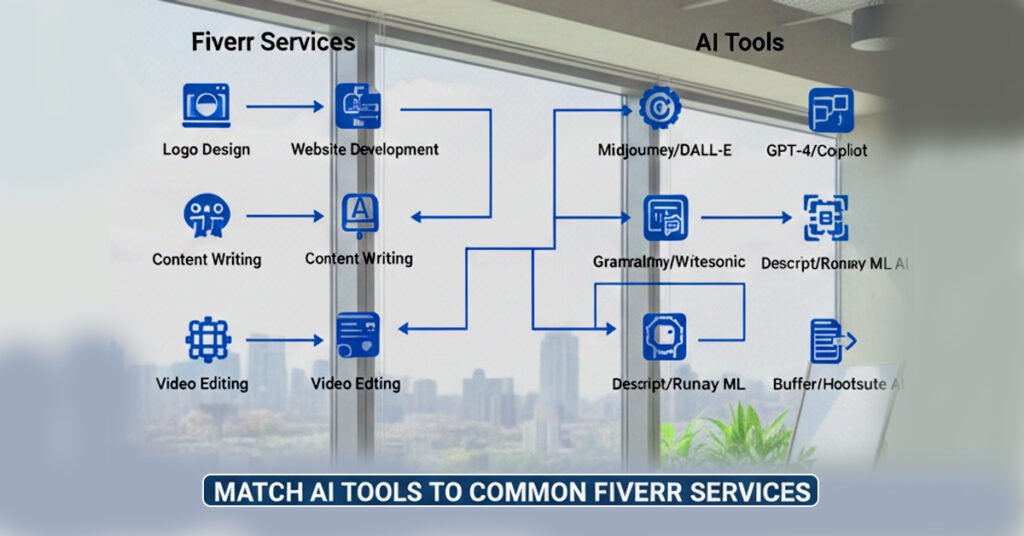
Match AI Tools to Common Fiverr Services
Different services require different outputs. Here’s how to think about it.
Writing Services
If you offer:
● Blog posts
● SEO articles
● Product descriptions
● Website content
You need:
● AI writing tools
● Easy editing and export
These tools help you draft faster—but human editing is essential.
Design & Image Services
If you offer:
● Thumbnails
● Social media posts
● Book covers
● Marketing visuals
You need:
● AI image generators
● Design tools with templates
Visual quality matters more than quantity here.
Video Services
If you offer:
● YouTube Shorts
● Reels
● TikTok videos
● Basic edits
You need:
● AI-assisted video editors
● Captioning and template support
Speed is your advantage.
Voiceover Services
If you offer:
● Narration
● Explainer videos
● Audiobook samples
You need:
● AI voice tools
● Clean audio exports
Clarity matters more than voice variety.
Chatbot & Automation Services
If you offer:
● Website chatbots
● FAQ bots
● Lead capture bots
You need:
● No-code chatbot tools
● Easy setup and testing
Clients care about function, not complexity.
👉 For a beginner-friendly list of tools, see
Key Factors to Consider Before Choosing Any AI Tool
Before committing to a tool, check these essentials:
Ease of Use
● Can you learn it quickly?
● Is the interface beginner-friendly?
Output Quality
● Does the result look client-ready?
● Will you need heavy editing?
Export & Download Options
● Can you download files?
● Are formats Fiverr-friendly?
Commercial Usage Rights
● Can you legally sell the output?
● Does the free plan allow this?
Free Plan Limits
● Daily credits?
● Watermarks?
● Usage caps?
If a tool fails one of these, skip it.
Free vs Paid AI Tools: What Beginners Should Choose
Here’s the honest truth:
Beginners should start with free tools.
Free tools are enough to:
● Learn workflows
● Deliver first orders
● Get reviews
● Validate demand
Paid tools make sense only when:
● You’re earning consistently
● Free limits slow you down
● Clients demand faster delivery
Upgrade with income—not hope.
Simple Decision Framework (Step-by-Step)
Use this exact framework:
- Choose one Fiverr service
- Identify the output type (text, image, video, voice)
- Pick 1–2 AI tools only
- Create demo samples
- Launch your gig
- Upgrade tools after earnings
This keeps things simple—and effective.
Quick Checklist: Choosing the Right AI Tool for Fiverr
Before finalizing a tool, ask:
● ✅ Does it match my Fiverr service?
● ✅ Can I export the output?
● ✅ Is commercial use allowed?
● ✅ Is the quality client-ready?
● ✅ Can I edit the output manually?
If you answer “yes” to most, you’re good to go.
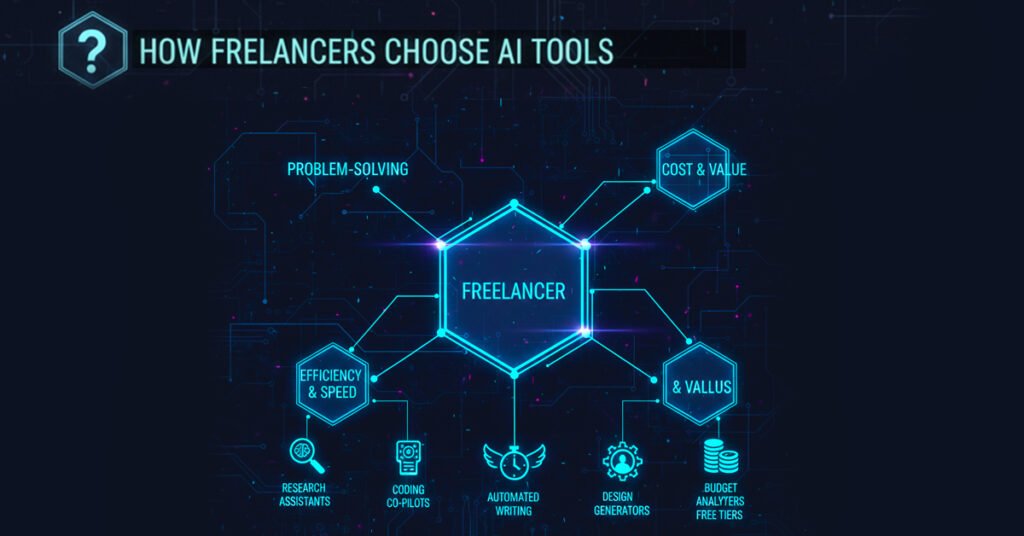
Real Examples: How Freelancers Choose AI Tools
Beginner Writer
● Uses AI to draft blogs
● Edits manually
● Delivers SEO-friendly content
Thumbnail Designer
● Uses templates + AI images
● Focuses on visual clarity
Short-Form Video Editor
● Uses AI captions and templates
● Delivers fast turnaround
Chatbot Freelancer
● Builds simple FAQ bots
● Focuses on functionality
Same tools.
Different services.
Different workflows.
Common Mistakes When Choosing AI Tools
Avoid these:
● Tool hopping without launching gigs
● Copy-pasting AI output
● Choosing tools with no export options
● Ignoring Fiverr’s Terms of Service
● Overcomplicating workflows
Simple setups win on Fiverr.
A Note on Fiverr Rules & AI Usage
Using AI on Fiverr is allowed.
But you should:
● Edit AI outputs
● Deliver original work
● Be transparent if asked
● Follow Fiverr service policies
AI is a helper—not a replacement for responsibility.
How the Right AI Tools Help You Grow Faster on Fiverr
When you choose the right tools:
● Delivery becomes faster
● Quality improves
● Reviews increase
● Income grows steadily
👉 If you want a complete roadmap—from account creation to scaling—read:
Frequently Asked Questions
Do beginners need paid AI tools?
No. Free tools are enough to start.
Can one AI tool be enough?
Yes. Many sellers succeed with one tool.
Is it okay to switch tools later?
Absolutely.
Are AI Fiverr gigs saturated?
No. Quality sellers still stand out.
Final Thoughts
Choosing AI tools doesn’t need to be complicated.
Start with:
● One service
● One tool
● One gig
Learn. Improve. Scale.
That’s how real Fiverr businesses are built—slowly, safely, and sustainably.