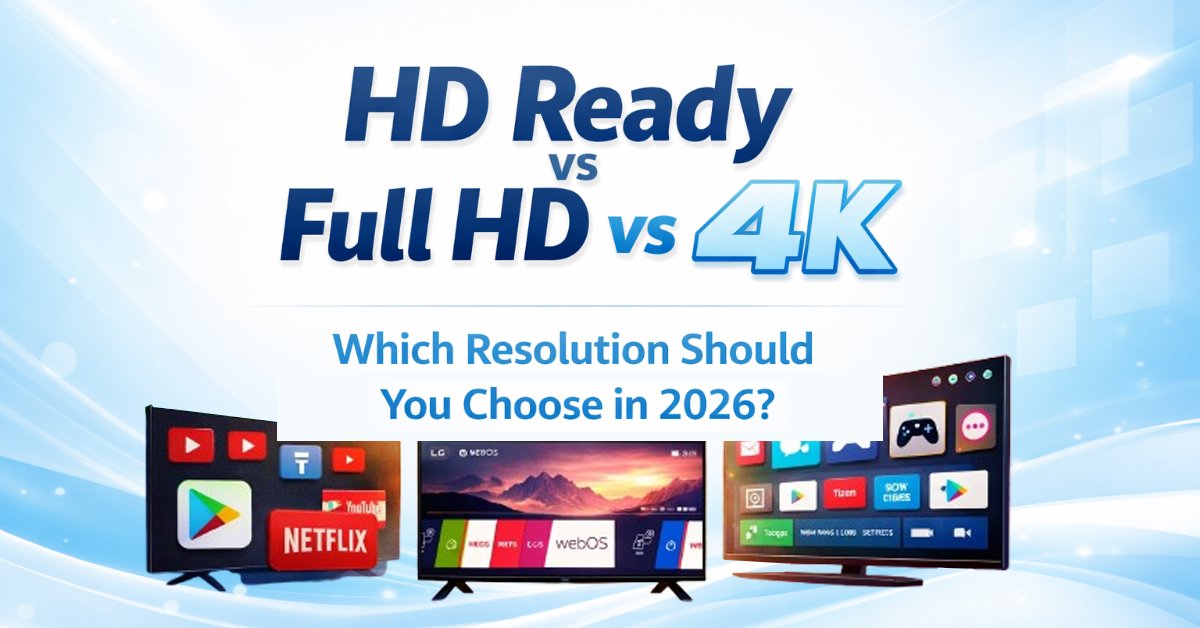
You’re about to buy a new TV. You’ve shortlisted a few options. Everything looks great… until you hit those confusing labels: HD Ready, Full HD, 4K.
Suddenly, the decision feels complicated.
But here’s the truth—once you understand this properly, choosing the right resolution becomes ridiculously simple.
If you’re confused between HD Ready vs Full HD vs 4K, you’re not alone.
This guide will walk you through everything in a clear, conversational way—no jargon, no fluff—just practical insights that help you make the smartest decision in 2026.
Quick Answer HD Ready vs Full HD vs 4K — which is best in 2026?
- HD Ready (720p): Suitable only for small TVs (under 32 inches) and basic cable viewing
- Full HD (1080p): Good for budget buyers and mid-size TVs (32–43 inches)
- 4K Ultra HD (2160p): The best choice for most users, offering superior clarity, better streaming, and future-proof value
Quick Verdict: If your budget allows, go for 4K Ultra HD. It offers the best overall experience and long-term value.
HD Ready vs Full HD vs 4K: Quick Comparison
| Feature | HD Ready (720p) | Full HD (1080p) | 4K Ultra HD (2160p) |
|---|---|---|---|
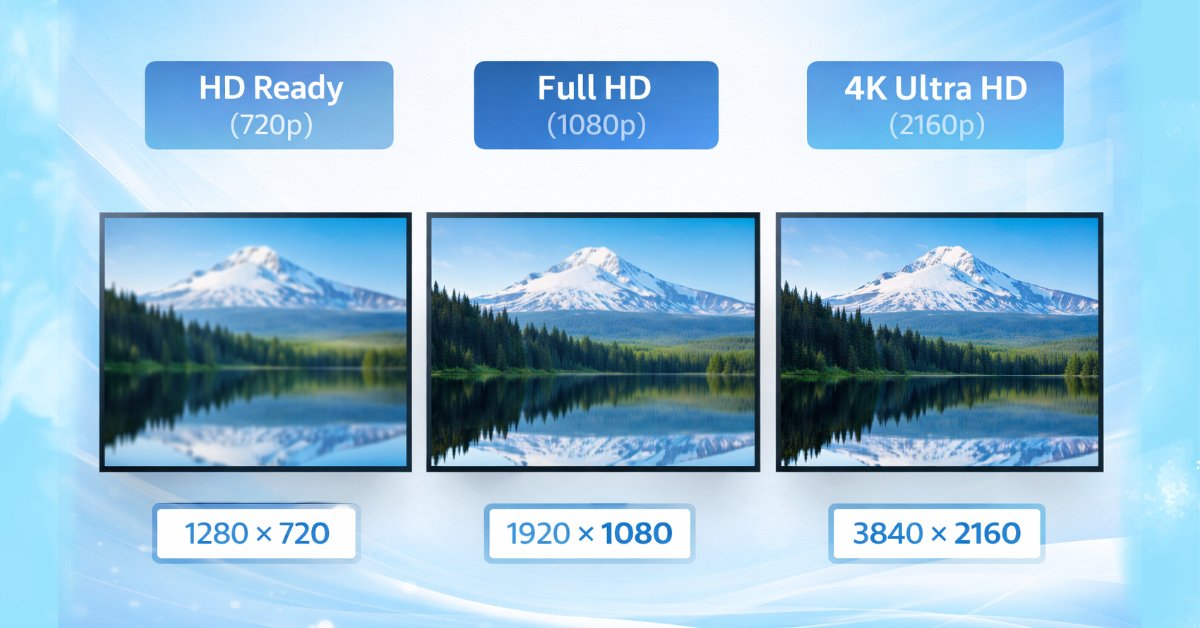
| Resolution | 1280 × 720 | 1920 × 1080 | 3840 × 2160 |
| Picture Quality | Basic | Sharp & clear | Ultra sharp & detailed |
| Best Screen Size | Up to 32 inches | 32–43 inches | 43 inches and above |
| OTT Streaming | Poor | Good | Excellent |
| Gaming Experience | Not recommended | Decent | Best (ideal for PS5/Xbox) |
| Future-Proof | ❌ No | ⚠️ Limited | ✅ Yes |
| Price Range | Cheapest | Affordable | Slightly higher but best value |
| Ideal For | Basic TV viewing | Budget smart TV users | Premium & long-term users |
Understanding TV Resolutions (Without the Tech Headache)
Let’s break it down simply.
A TV’s resolution refers to the number of pixels (tiny dots) that make up the screen. More pixels = more detail = sharper picture.
| Resolution Type | Pixel Count | Common Name | Experience |
| HD Ready | 1280 × 720 | 720p | Basic clarity |
| Full HD | 1920 × 1080 | 1080p | Sharp & detailed |
| 4K Ultra HD | 3840 × 2160 | 4K | Ultra sharp & lifelike |
Think of it like this:
HD Ready is like standard definition vision, Full HD is like wearing glasses, and 4K is like seeing in ultra-high clarity.
More pixels = more detail = sharper picture, which is why higher resolutions like 4K look significantly better
HD Ready (720p): The Bare Minimum in 2026
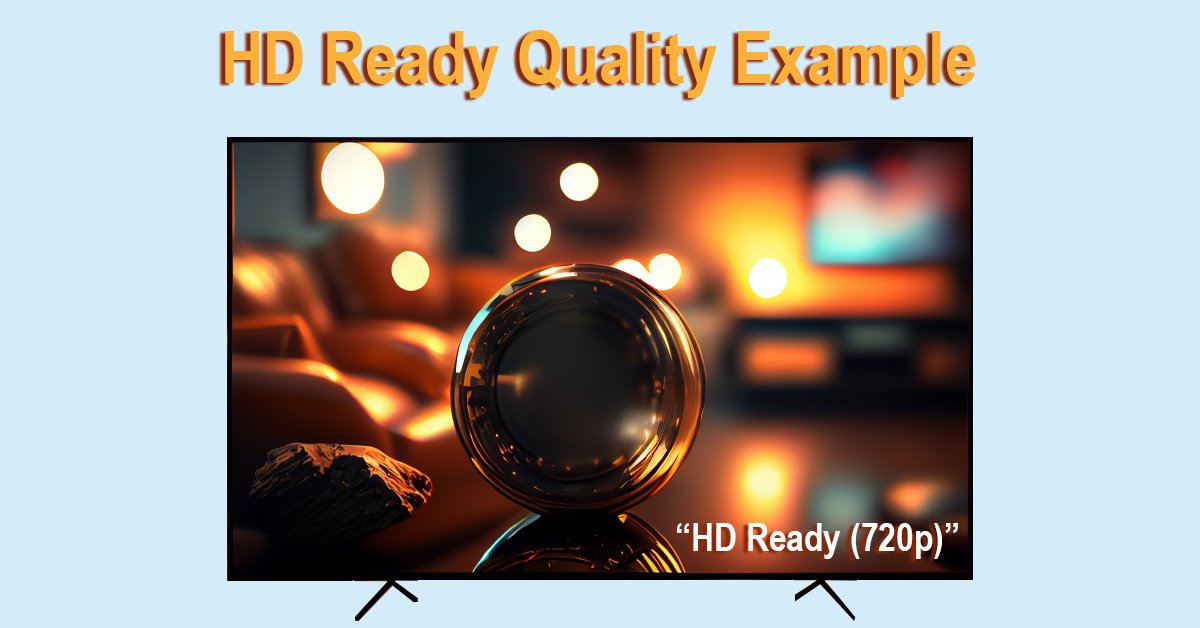
Let’s be honest—HD Ready TVs are surviving, not thriving.
Where It Still Makes Sense:
- Small TVs (24–32 inches)
- Secondary usage (kitchen, guest room)
- Basic cable TV viewing
Where It Falls Short:
- Streaming platforms look dull
- Lack of sharpness is noticeable
- Not future-proof at all
Real Talk:
If you’re buying your main TV, HD Ready is not worth it anymore—even if it looks cheaper upfront.
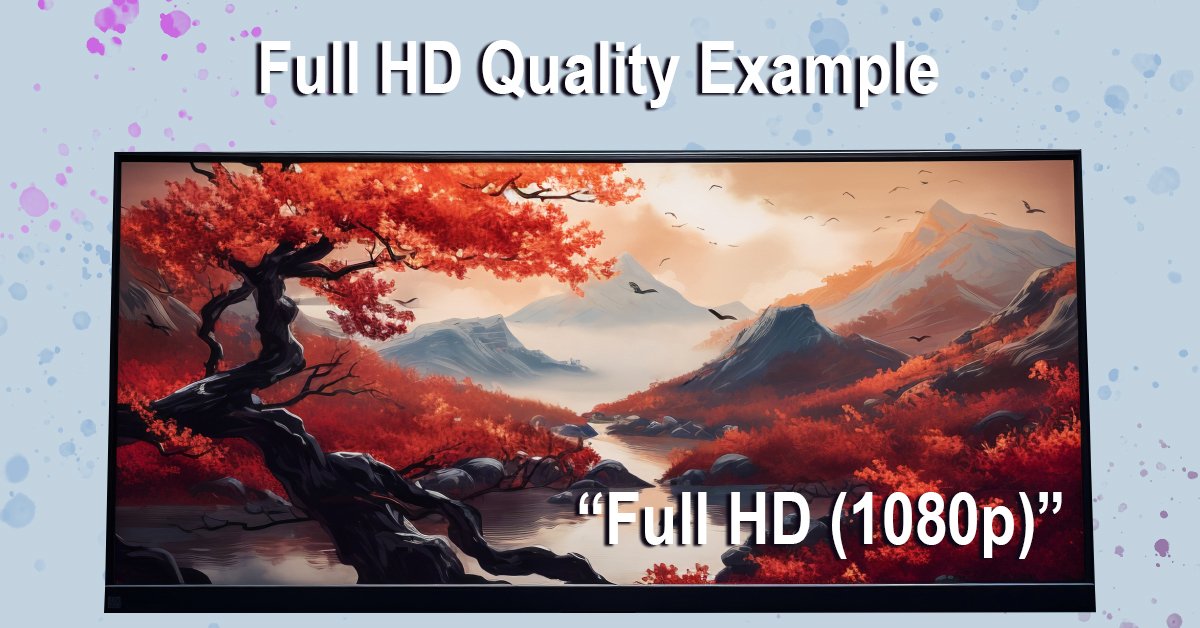
Full HD (1080p): The Middle Ground
Full HD has been the “safe choice” for years—and it still holds some value.
Why People Still Buy It:
- Affordable pricing
- Noticeably sharper than HD Ready
- Good for 32–43 inch TVs
Limitations:
- Not ideal for larger screens
- Starting to feel outdated in 2026
- Limited long-term value
Real Talk:
If your budget is tight, Full HD is still a sensible choice—but only for smaller TVs.
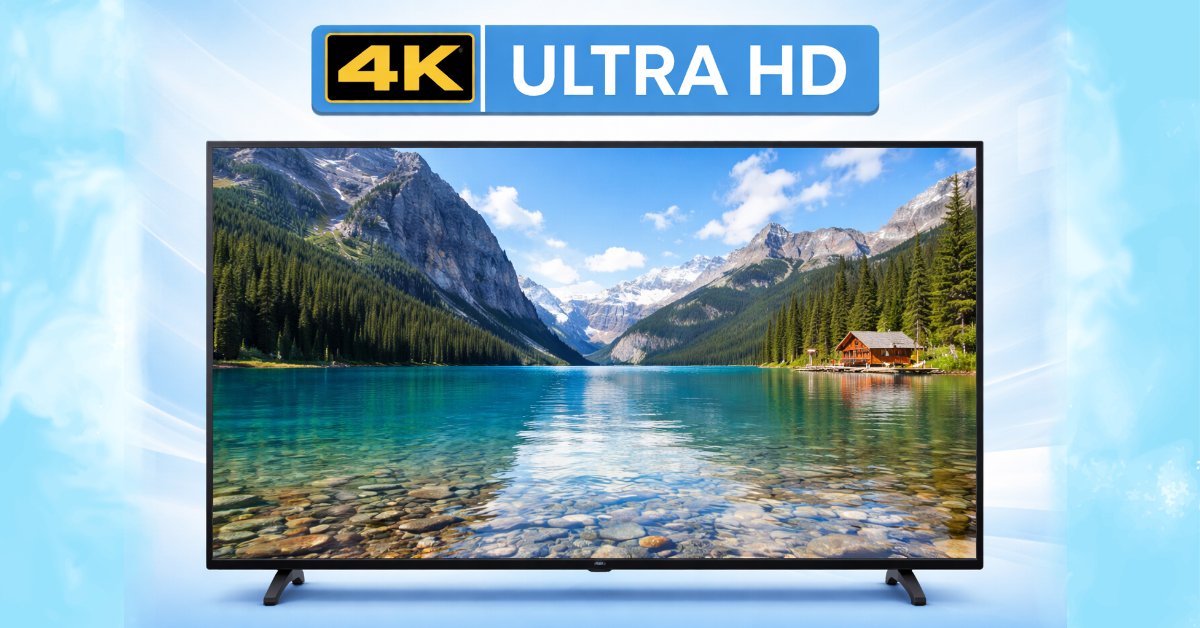
4K Ultra HD (2160p): The Modern Standard
This is where things get exciting.
4K TVs have gone from “premium luxury” to mainstream necessity.
Why 4K Dominates in 2026:
- 4x more pixels than Full HD
- Stunning clarity and detail
- Perfect for OTT platforms (Netflix, Prime Video, YouTube)
- Best for gaming (PS5, Xbox Series X)
- Future-proof for years
Any Downsides?
- Slightly higher cost (but shrinking fast)
- Needs good content to fully shine (which is now widely available)
Real Talk:
In 2026, not choosing 4K—if you can afford it—is like buying outdated tech.
4K has 4x more pixels than Full HD, which directly improves clarity and fine detail in real-world viewing (explained in detail by RTINGS).
If you want a deeper understanding, check out our what is 4K Ultra HD guide to learn how it actually works.
HD Ready vs Full HD vs 4K: Quick Comparison
| Feature | HD Ready | Full HD | 4K Ultra HD |
| Clarity | Basic | Sharp | Ultra Sharp |
| Best Screen Size | <32″ | 32–43″ | 43″+ |
| Streaming Quality | Poor | Good | Excellent |
| Gaming Experience | Weak | Decent | Outstanding |
| Future-Proof | ❌ No | ⚠️ Limited | ✅ Yes |
How to Choose the Right Resolution (Based on Your Needs)
Let’s make this super practical.
Choose HD Ready if:
- You want the absolute cheapest option
- You’re buying a small TV (under 32 inches)
- Usage is limited to cable or news channels
Choose Full HD if:
- You’re on a budget
- Screen size is between 32–43 inches
- You occasionally stream content
For smaller rooms, you can check our LG 32 inch smart TV review to see if it fits your needs.
Choose 4K if:
- You want the best viewing experience
- You watch OTT platforms regularly
- You’re buying a TV for long-term use
Screen Size vs Resolution: The Hidden Truth
Here’s something most people don’t realize:
Your seating position matters because viewing distance affects picture quality, a principle also defined by standards from Society of Motion Picture and Television Engineers.
- On a 32-inch TV, Full HD and 4K may look similar
- On a 55-inch TV, the difference is massive
Rule of Thumb:
- Small screen → resolution matters less
- Big screen → resolution matters a lot
Why 4K is a Game-Changer for Streaming & Gaming
Let’s talk about real usage.
Streaming:
- Platforms like Netflix and YouTube are optimized for 4K streaming, offering better clarity and richer visuals compared to Full HD .
- You get sharper visuals, better colors, and more detail
Gaming:
- Modern consoles like PS5 are designed for 4K gaming, delivering more immersive visuals and smoother gameplay experiences (as seen in specs from PlayStation).
- You get smoother, more immersive gameplay
Even if you don’t care now—you probably will in a year or two.
Factors Most Buyers Ignore (But You Shouldn’t)
1. Upscaling Technology
Modern 4K TVs can improve lower-resolution content using advanced upscaling technology, a feature widely implemented by brands like Sony and Samsung.
2. HDR (High Dynamic Range)
Enhances contrast and color accuracy—especially noticeable on 4K TVs.
3. Viewing Distance
The closer you sit, the more you notice resolution differences.
4. Content Availability
More content is now produced in 4K than ever before.
Boost Your Buying Decision
Resolution is just one part of the Smart TV experience.
The operating system you choose also plays a huge role in performance, usability, and app availability.
To complete your buying decision, read this detailed guide:
“Android TV vs WebOS vs Tizen comparison” – Which Smart TV OS is Better in 2026
This will help you choose not just a better display—but a smarter TV.
Common Mistakes Buyers Make
“I don’t need 4K because I watch normal TV”
Reality: Even regular content looks better on 4K TVs.
“Full HD is enough for everything”
Reality: It works—but won’t age well.
“4K is too expensive”
Reality: In 2026, 4K TVs are more affordable than ever.
Real Buying Scenarios (India – 2026)
If you’re on a tight budget, explore the best smart TVs under ₹15000 to find value-for-money options
Budget: ₹10,000–₹15,000
Best Choice: Full HD (avoid HD Ready if possible)
Budget: ₹15,000–₹30,000
Best Choice: 4K TVs are easily available
Premium Buyers
Go for 4K with HDR, Dolby Vision, and advanced features
Frequently Asked Questions
Is HD Ready still worth buying in 2026?
Only for very small TVs or secondary usage.
Is Full HD enough today?
Yes—for smaller screens and tight budgets. But not ideal long-term.
Is 4K worth it for normal viewing?
Yes. Upscaling makes even HD content look better.
Can I watch HD channels on a 4K TV?
Absolutely—and they often look sharper.
Which is better for the eyes: Full HD or 4K?
4K is generally better for the eyes, especially on larger screens.
Why?
4K has higher pixel density, which means: Smoother edges
Less visible pixelation
Reduced eye strain during long viewing
Is 4K worth it on a 32-inch TV?
No, 4K is usually NOT worth it on a 32-inch TV.
Does 4K use more internet data?
4K streaming uses significantly more internet data, especially on platforms like Netflix, where higher quality requires higher bandwidth.
Approximate data usage:
HD (720p): ~1–3 GB per hour
Full HD (1080p): ~3–6 GB per hour
4K Ultra HD: ~7–16 GB per hour
HD Ready vs Full HD vs 4K: Final Verdict
Let’s keep it crystal clear:
- On a tight budget? → Go for Full HD
- Want the best value? → Choose 4K
- Planning for the future? → 4K is the only smart choice
In 2026, 4K is no longer a luxury—it’s the default standard.
Final Thought
A TV is not just a device—it’s where your daily entertainment lives.
From cricket matches to Netflix marathons, from gaming sessions to family movie nights…
The resolution you choose directly impacts your experience.
So don’t just buy what’s cheaper—buy what’s smarter.
And if you want to make the perfect Smart TV decision:
Don’t miss: Android TV vs WebOS vs Tizen – Which Smart TV OS is Better in 2026